LOADING

LOADING
When anyone can create anything, attention becomes the scarce resource. How do you use AI to expand what’s possible while preserving the human element, creative judgment, and emotion that make the work worth caring about?
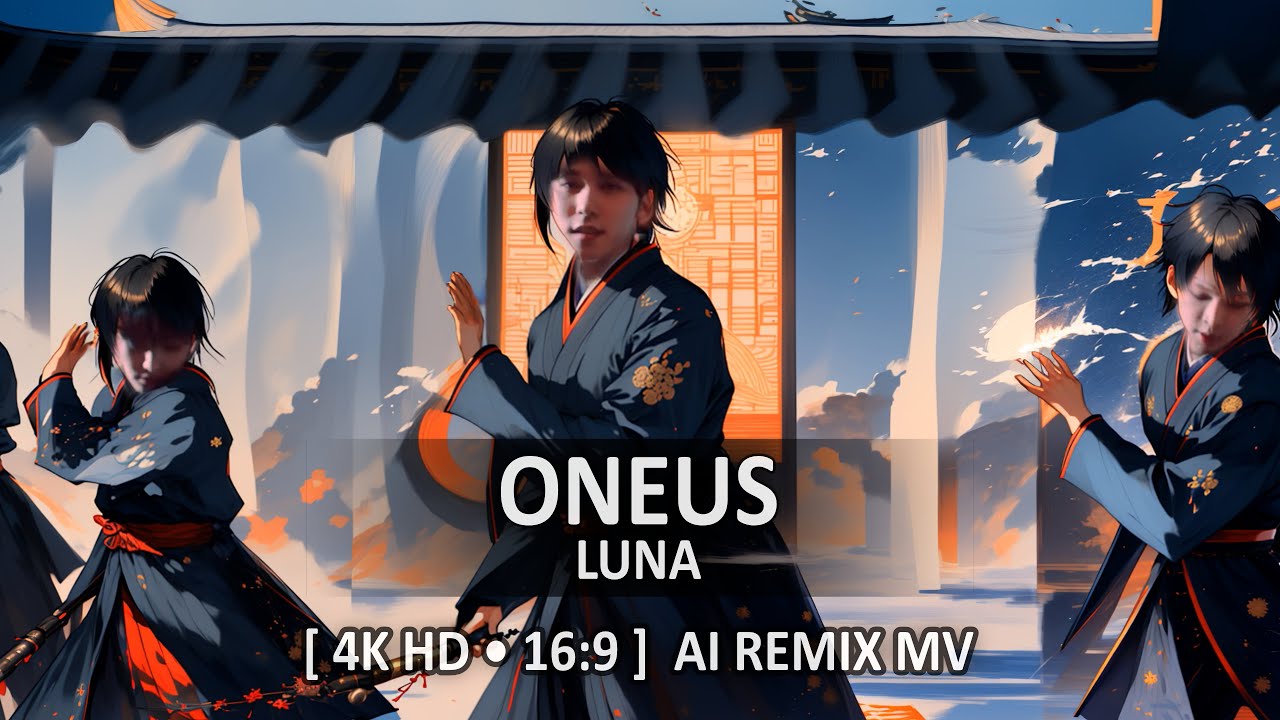
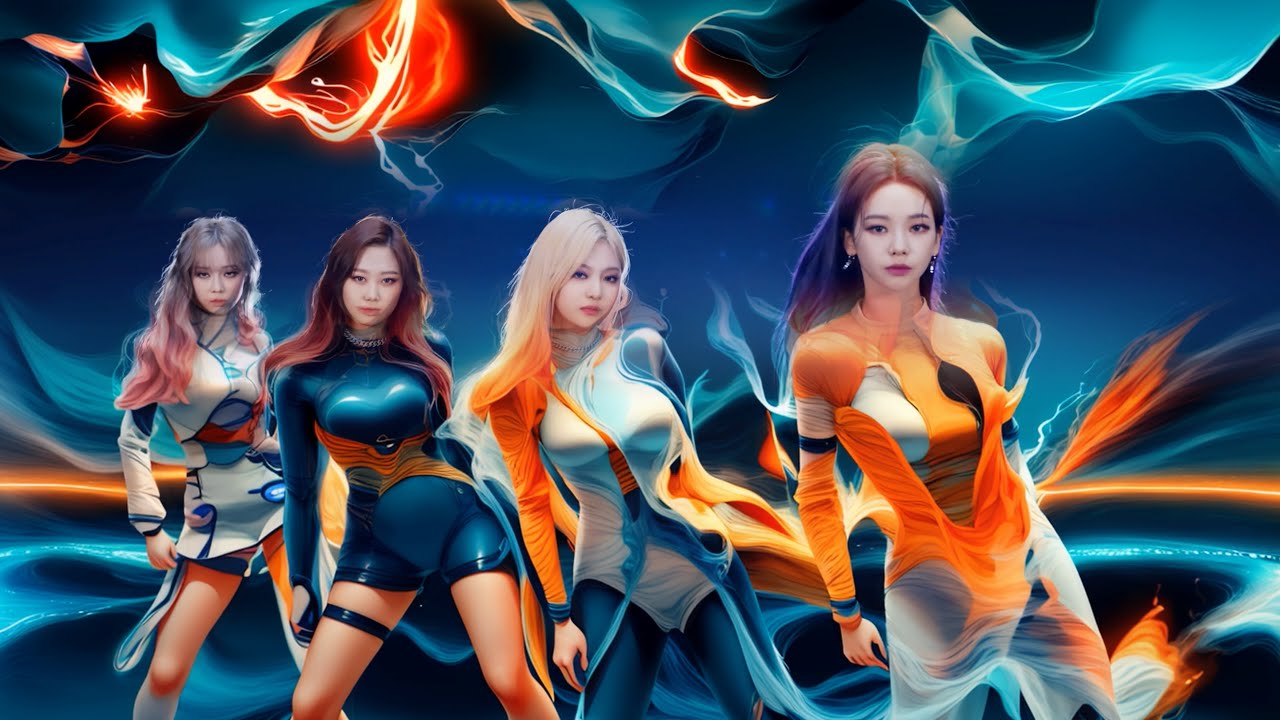
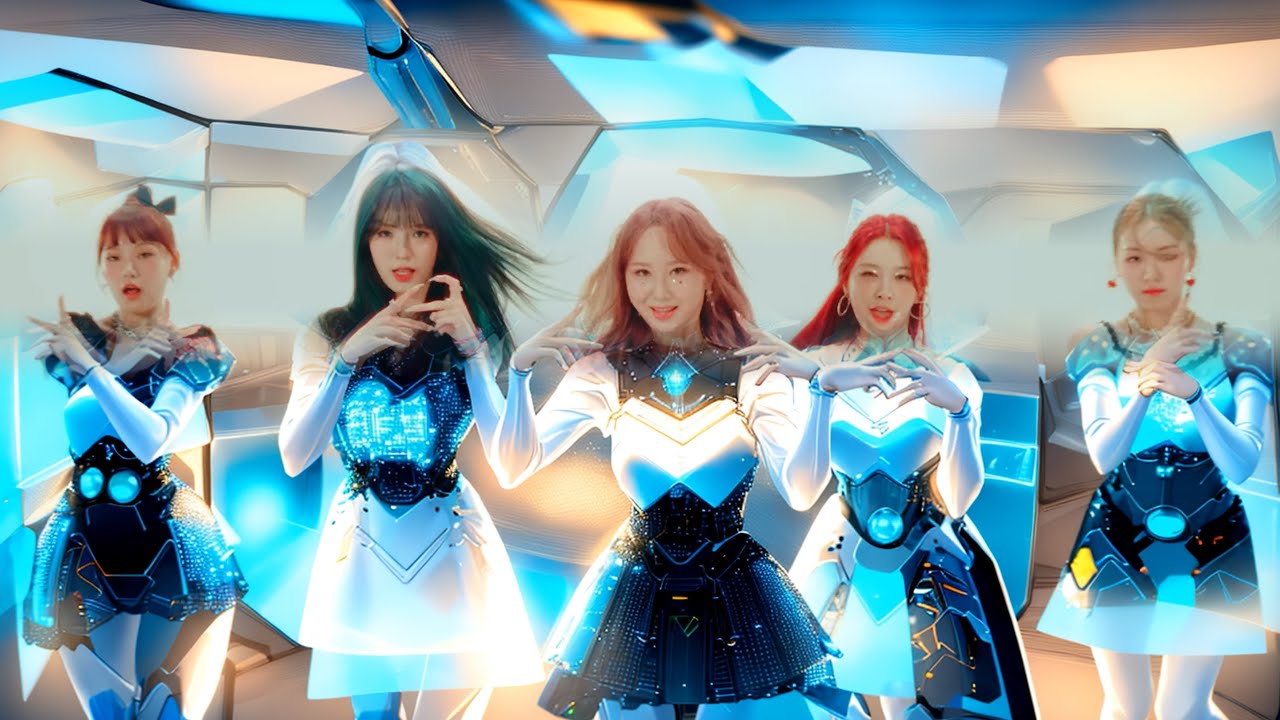
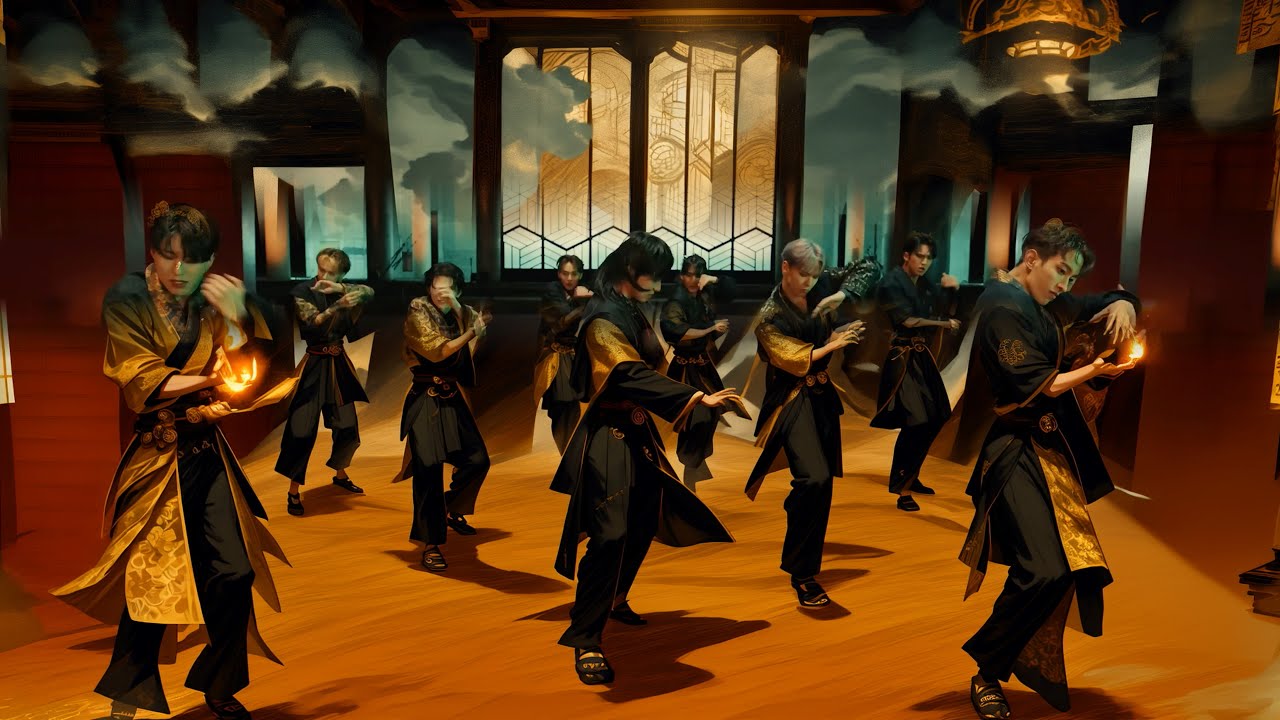
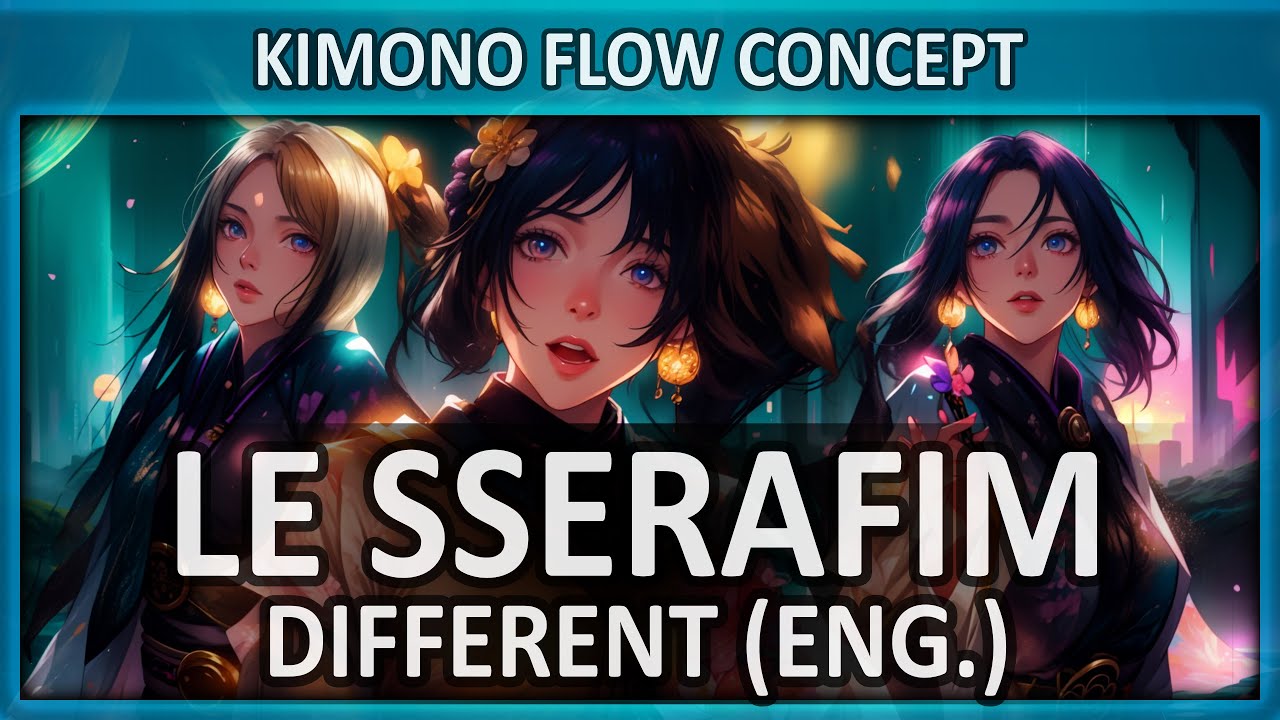
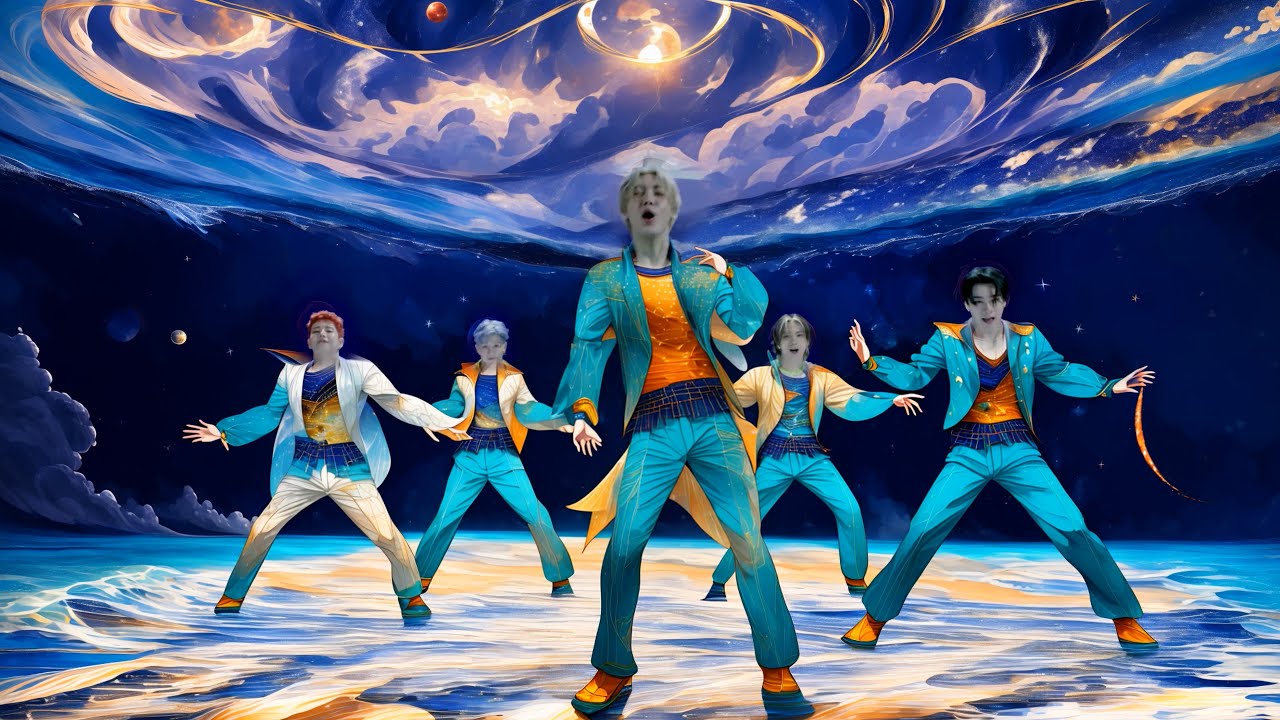
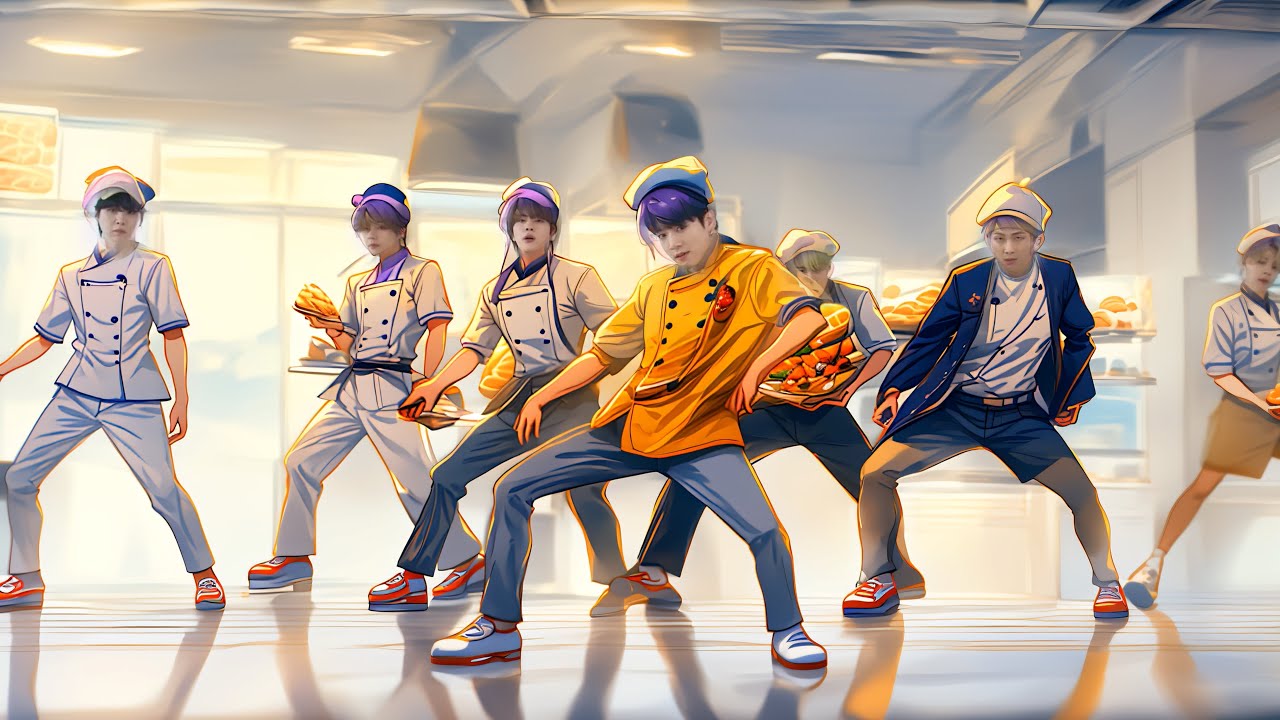
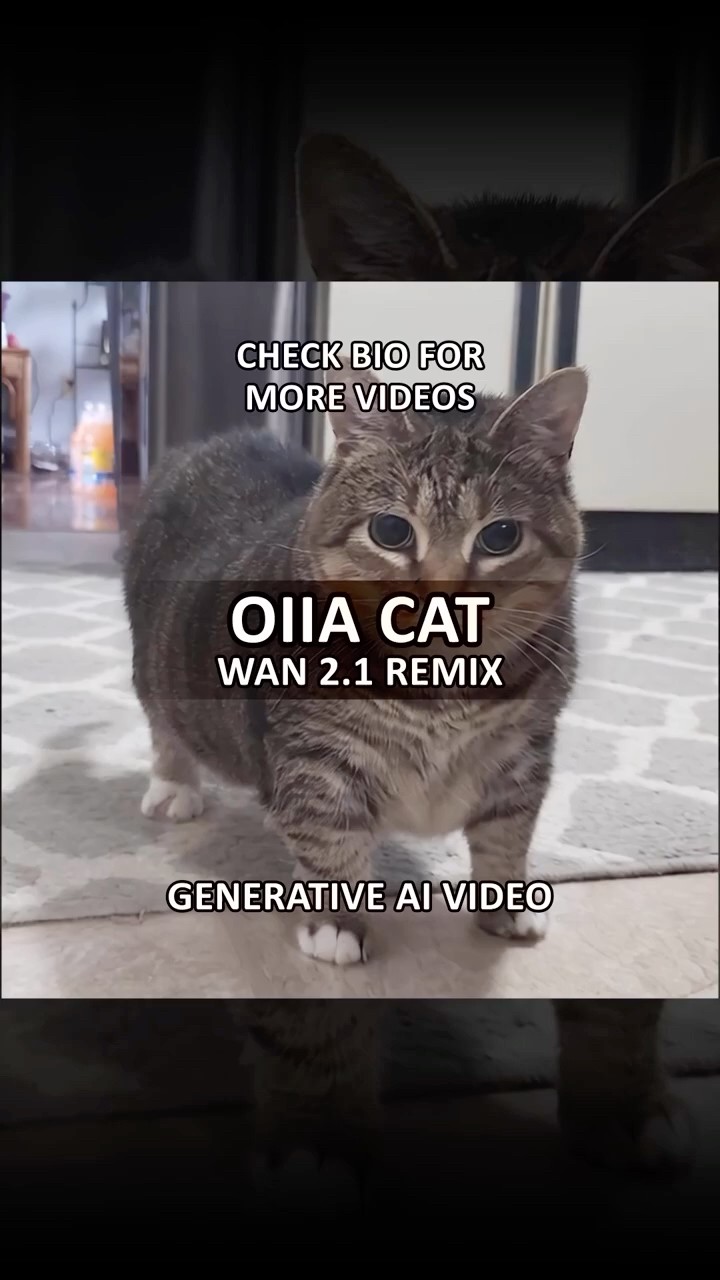
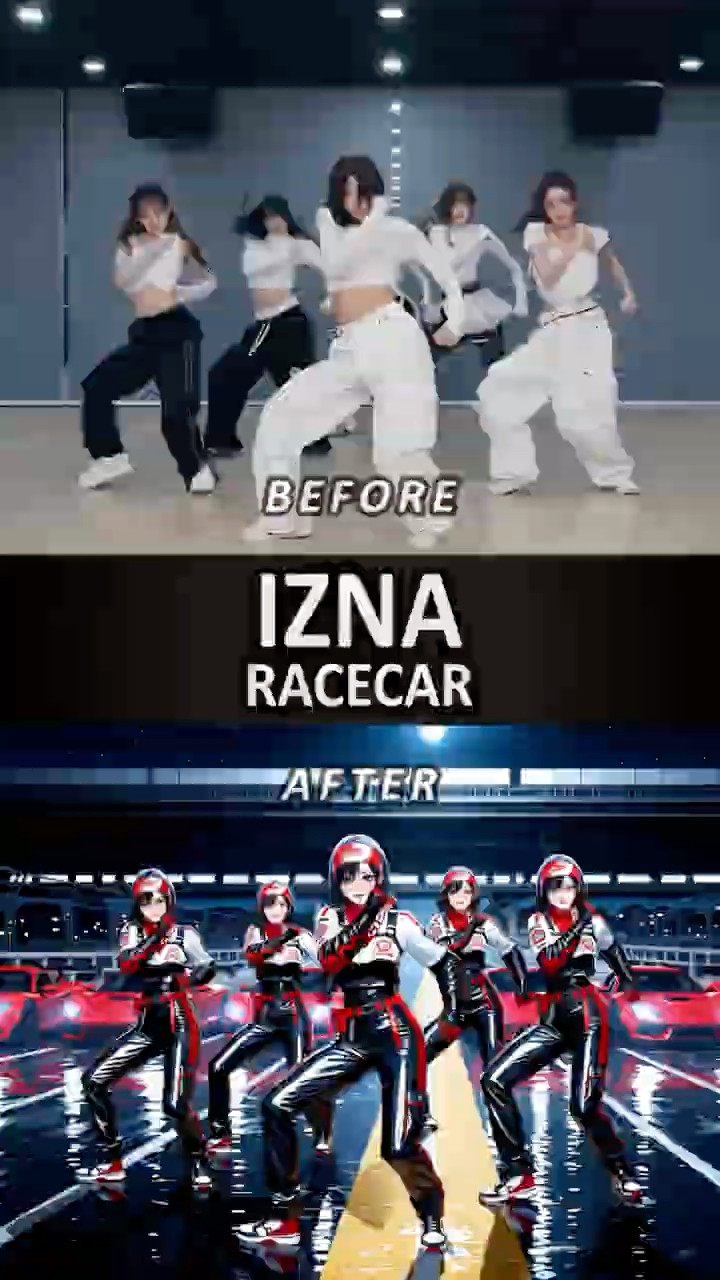
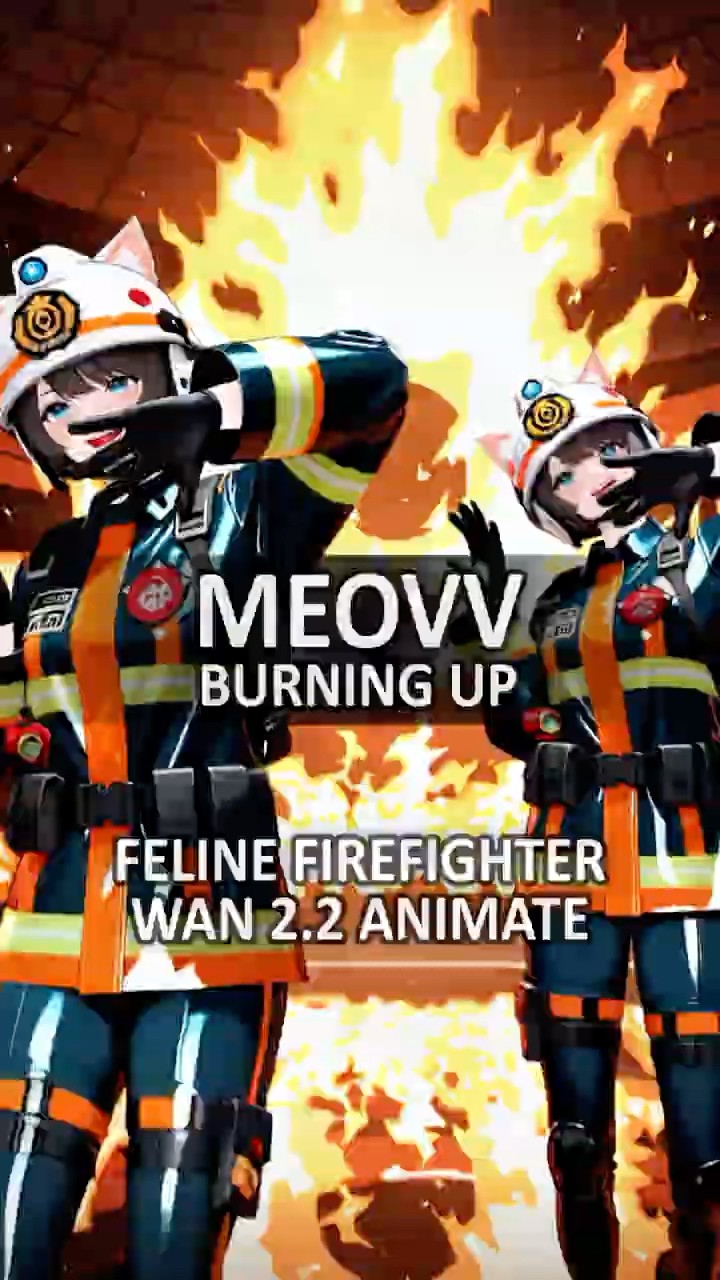
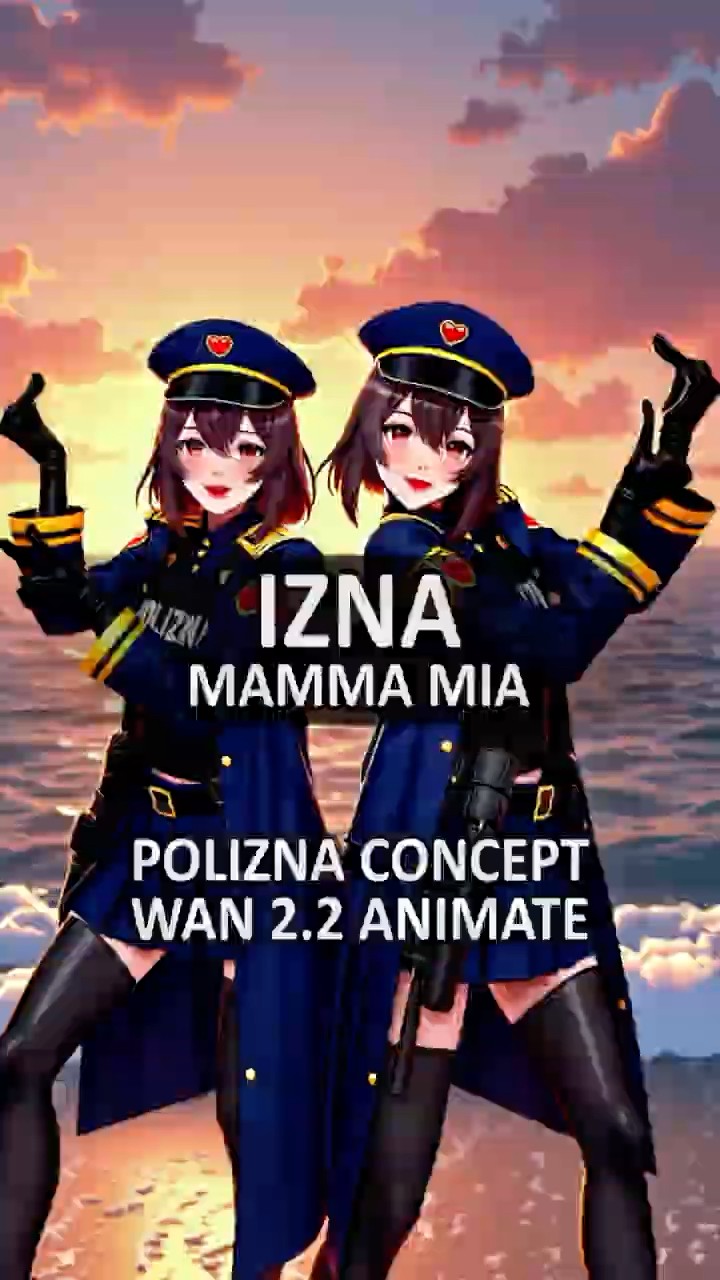
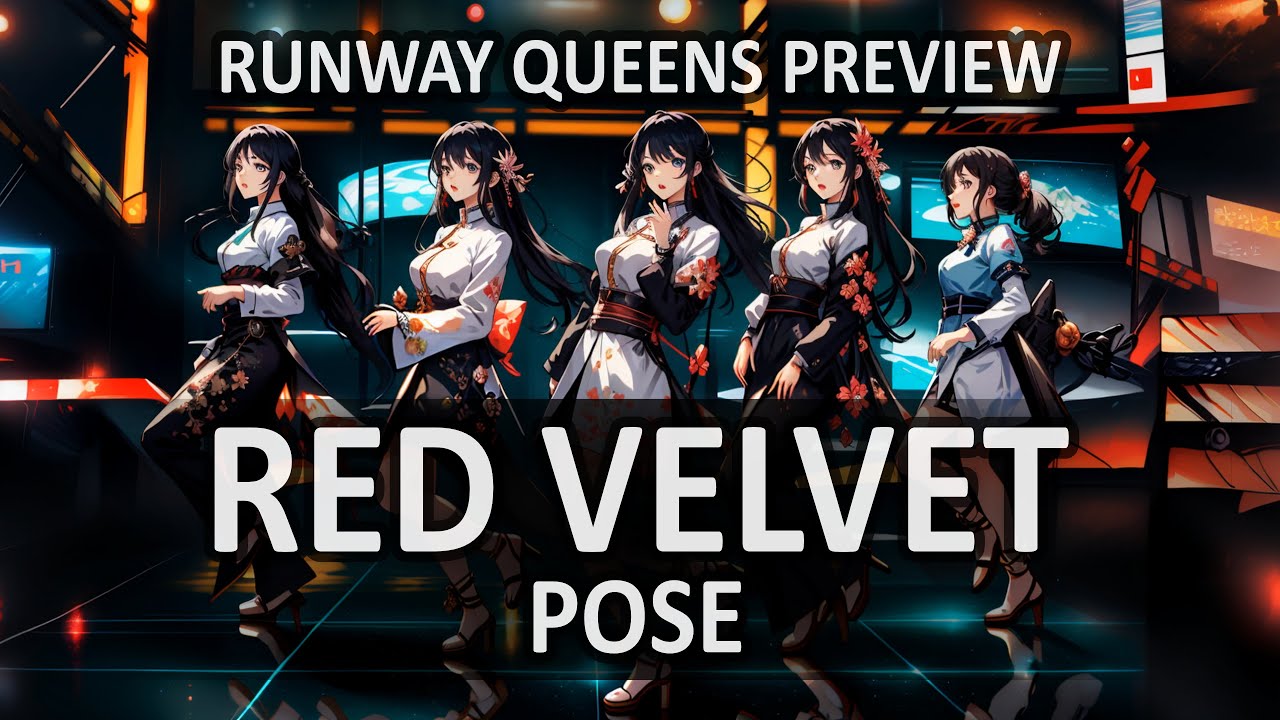
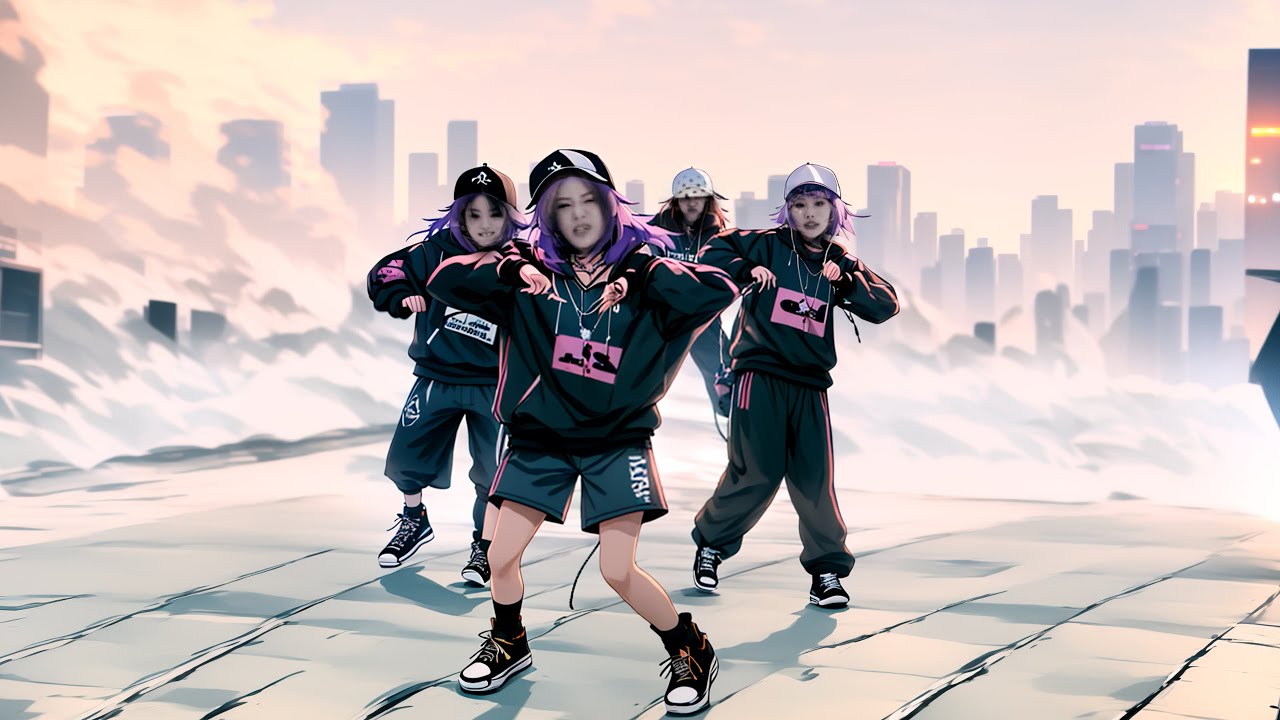
This case study explores using ComfyUI and open-weight Diffusion Transformer models to create visually driven K-Pop dance remix experiences. As AI continues to lower the barrier to creation, I became increasingly interested in what comes next. The challenge was no longer just making something, but finding the right audience and creating work people wanted to follow.
K-Pop became the ideal testing ground for that experiment. Starting with just 64 Instagram followers from my VFX days, I treated social media as a real-time feedback loop, iterating on the work, formats, and distribution strategy until that community grew to more than 18,000 followers. In parallel, the production process evolved from custom ComfyUI workflows into agentic AI tools designed to automate repetitive production tasks and accelerate creative iteration. Together, the project became an exploration of how AI can reshape not only what we create, but the systems we use to prototype, produce, ship, and learn from audience response.
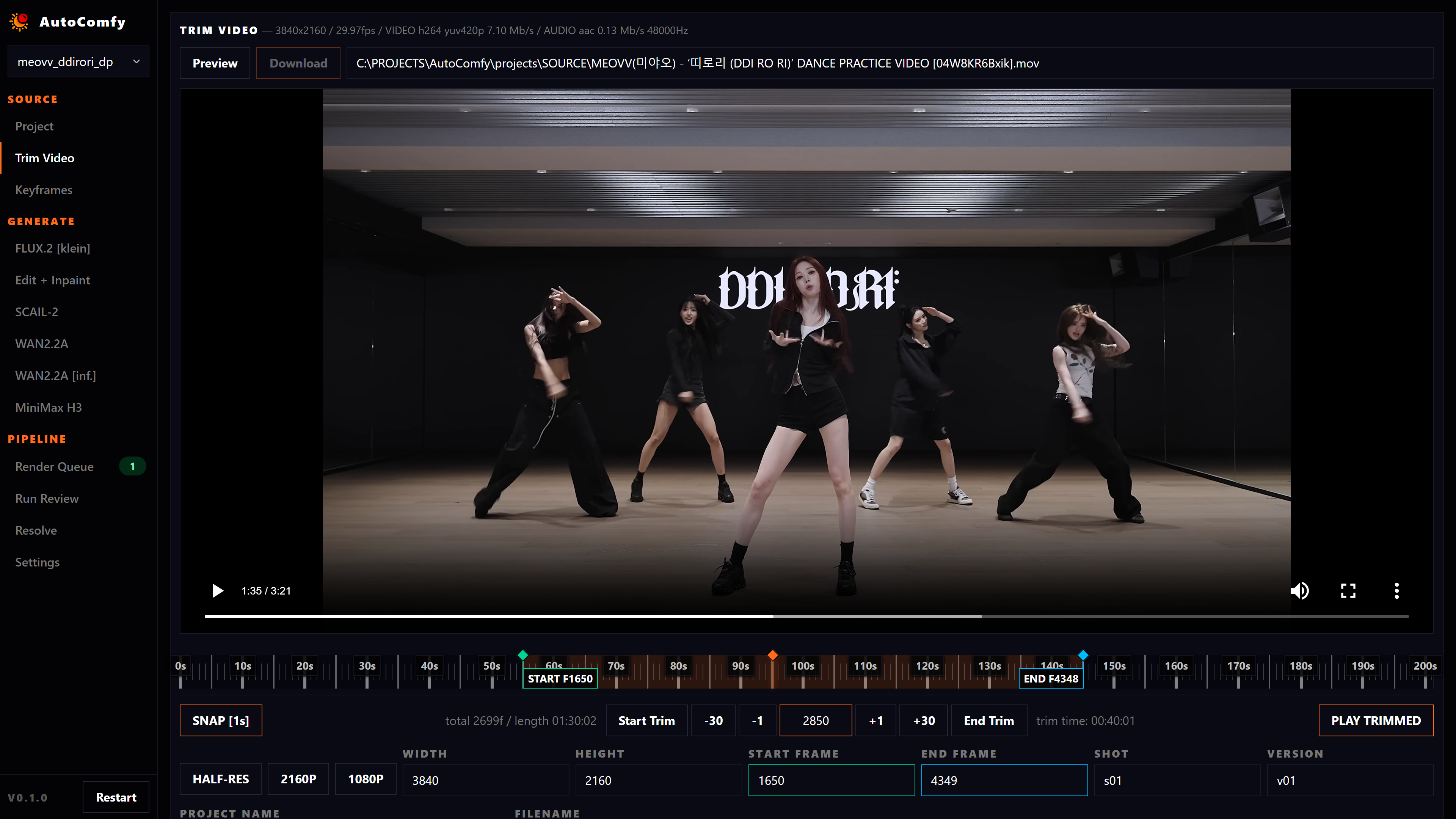
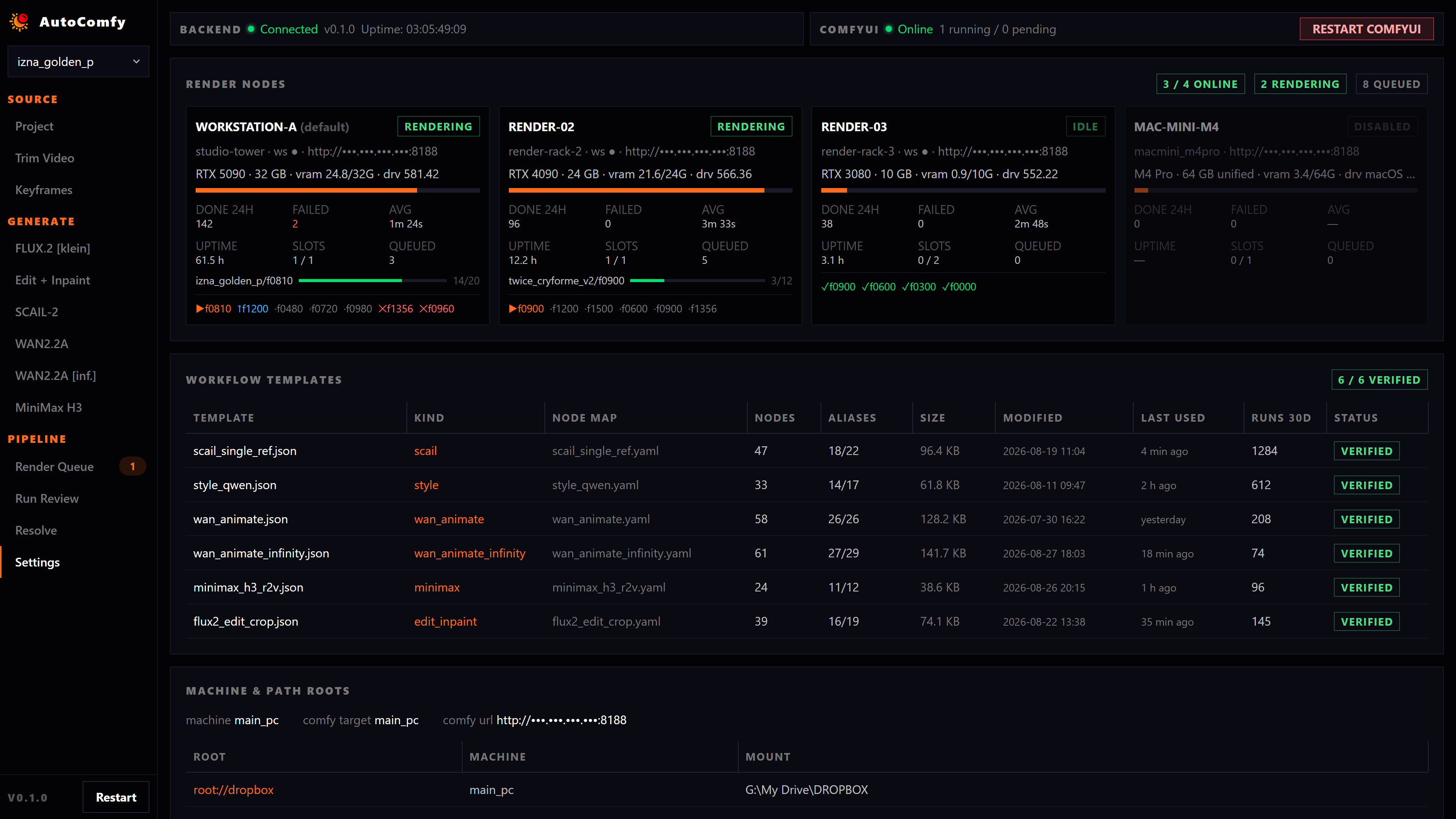
AutoComfy began as a way to remove the friction around increasingly complex generative AI production. Rather than replace creative judgment, I designed the system to streamline the repetitive work around it, giving artists more control over experimentation, iteration, and final decision-making.
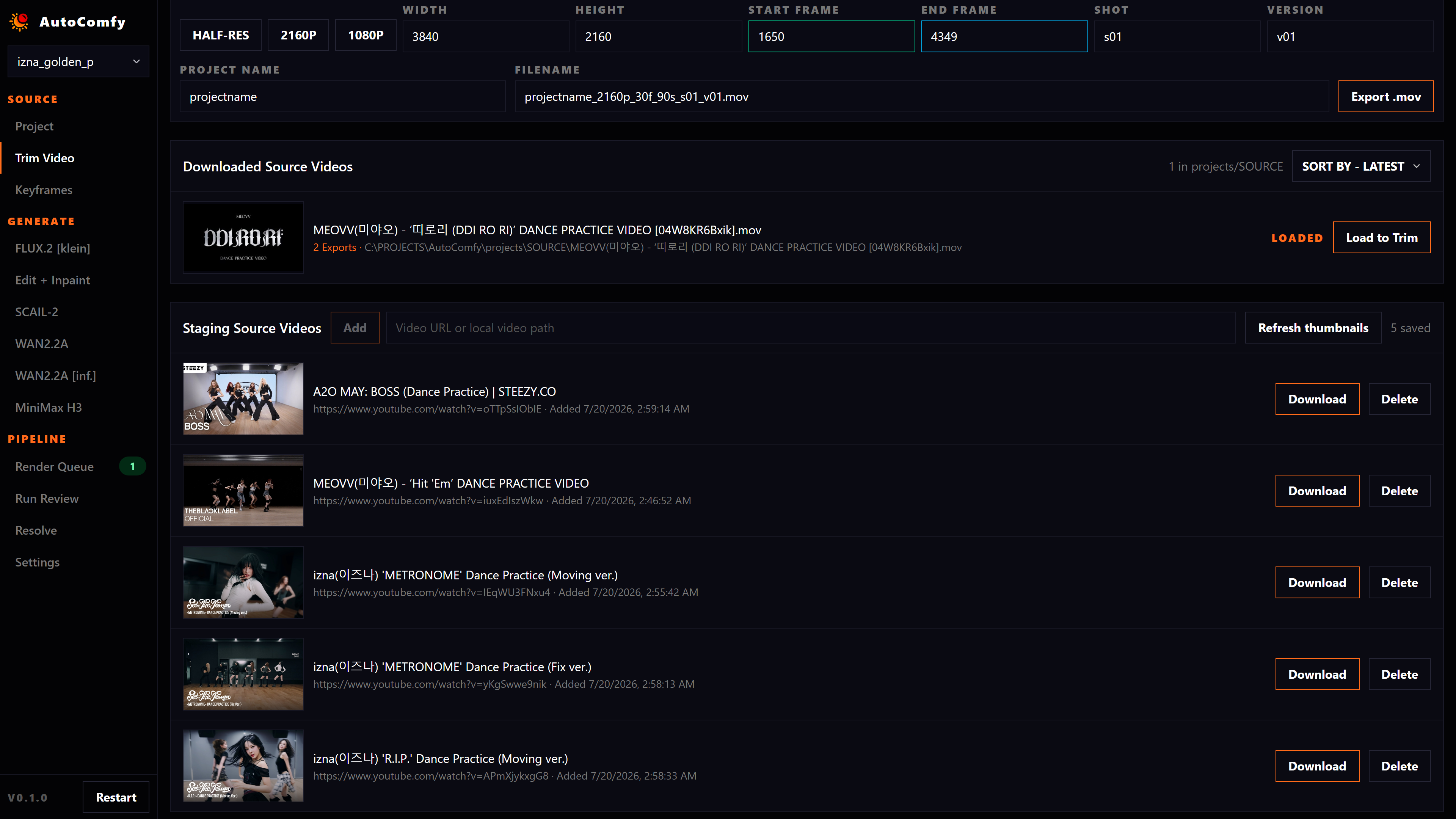
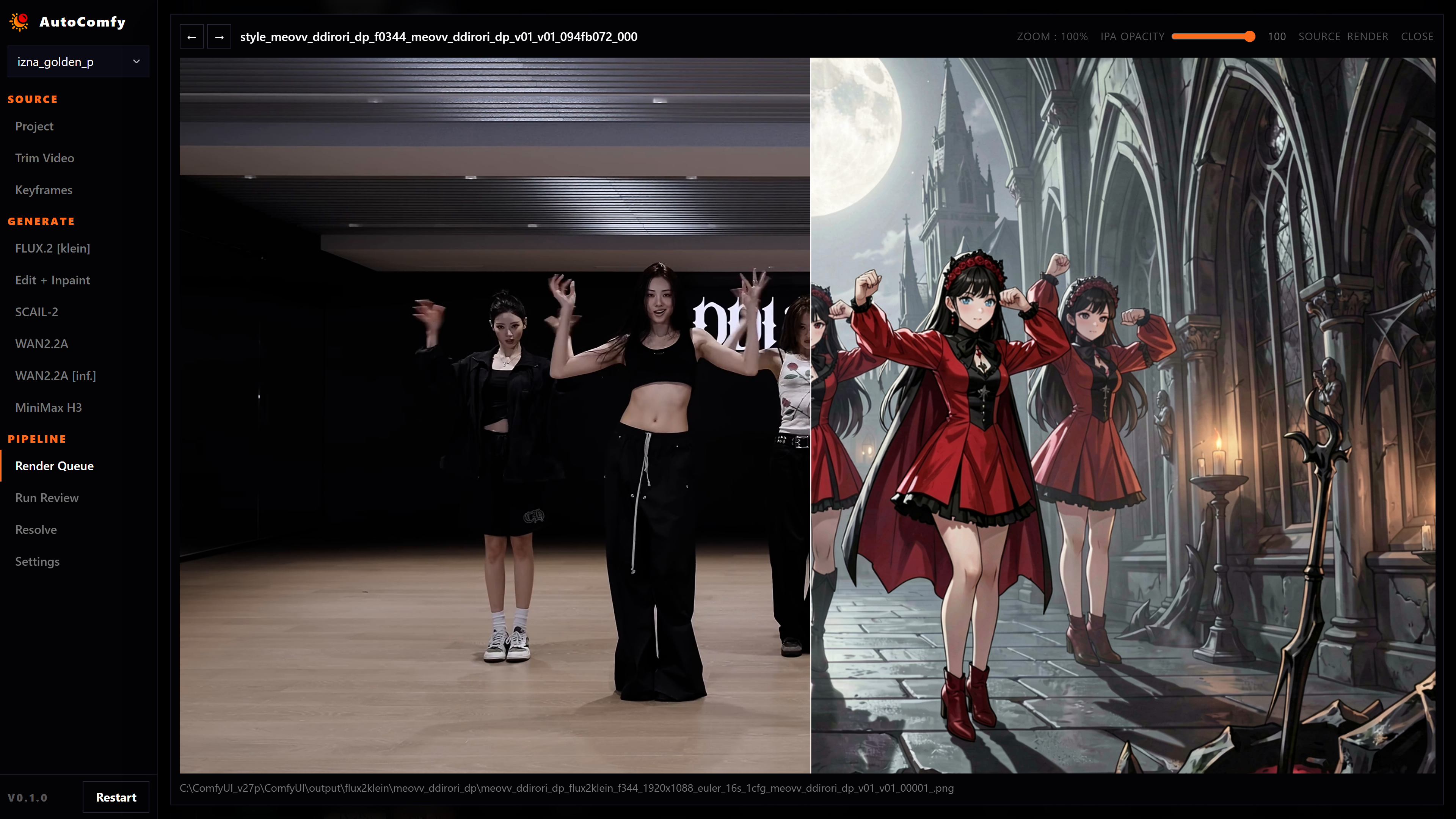
End-to-End Creative Pipeline - Move from source footage and frame-accurate keyframes through AI generation, review, video rendering, and final editorial without rebuilding the production context between tools.
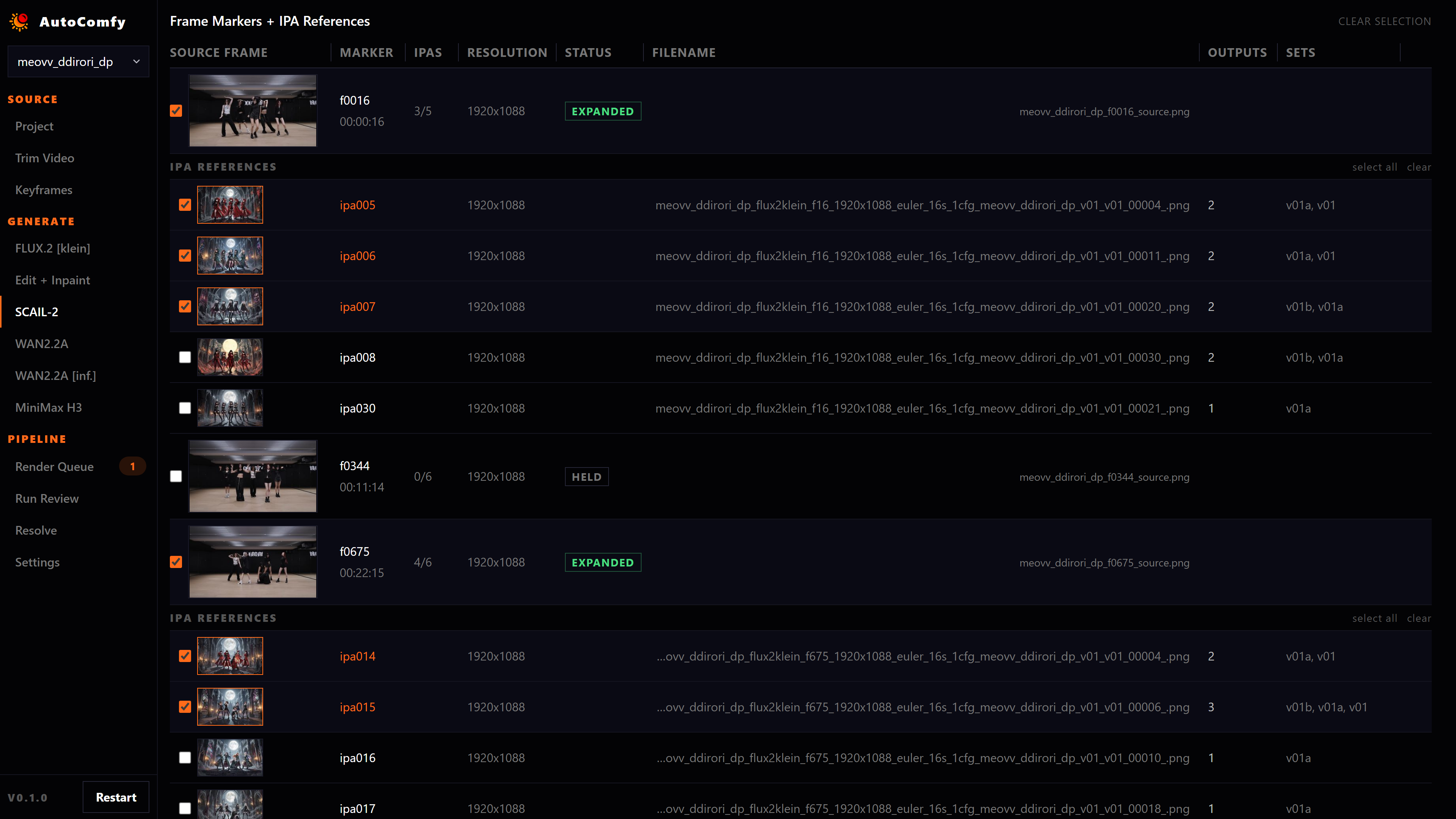
Human-in-the-Loop Iteration - Compare, promote, reject, and refine generations while branching new Edit + Inpaint variations from source frames or previous results, preserving visual history as ideas evolve.
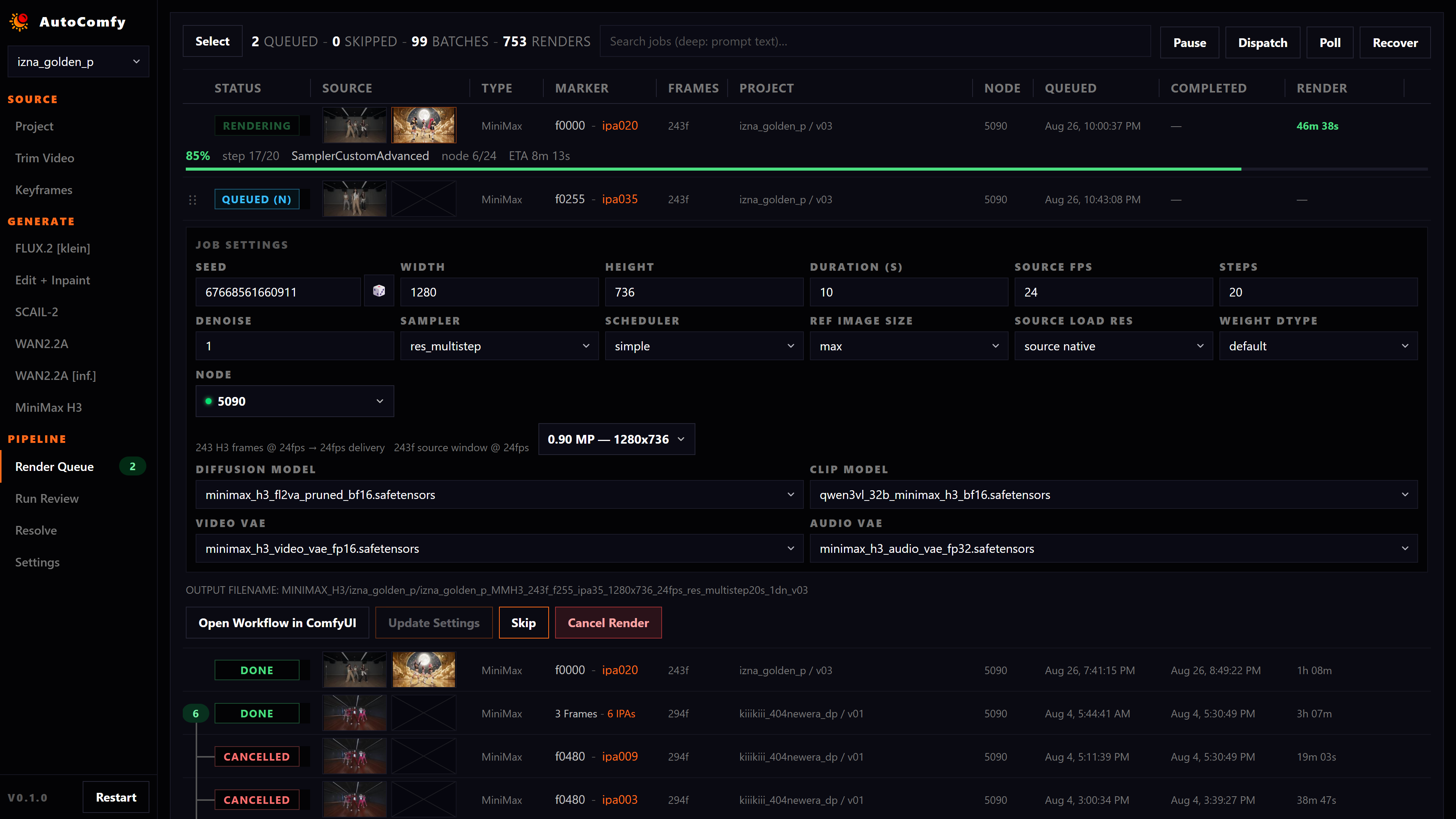
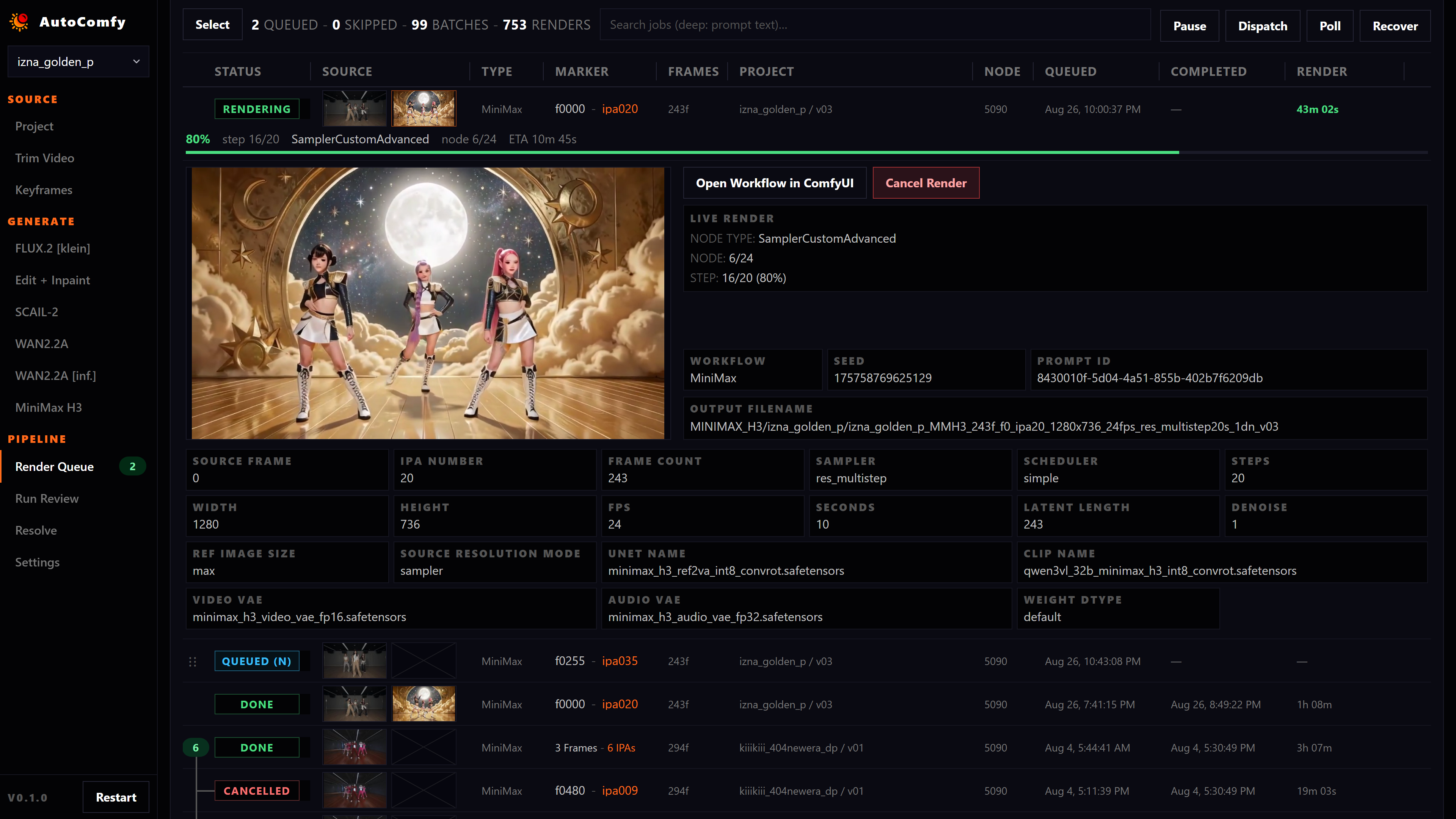
Intelligent Render Orchestration - ComfyUI executes workflows, but wasn’t designed to manage a production schedule. AutoComfy adds an orchestration layer for prioritizing, editing, pausing, retrying, and monitoring large render batches through live previews and diagnostics.
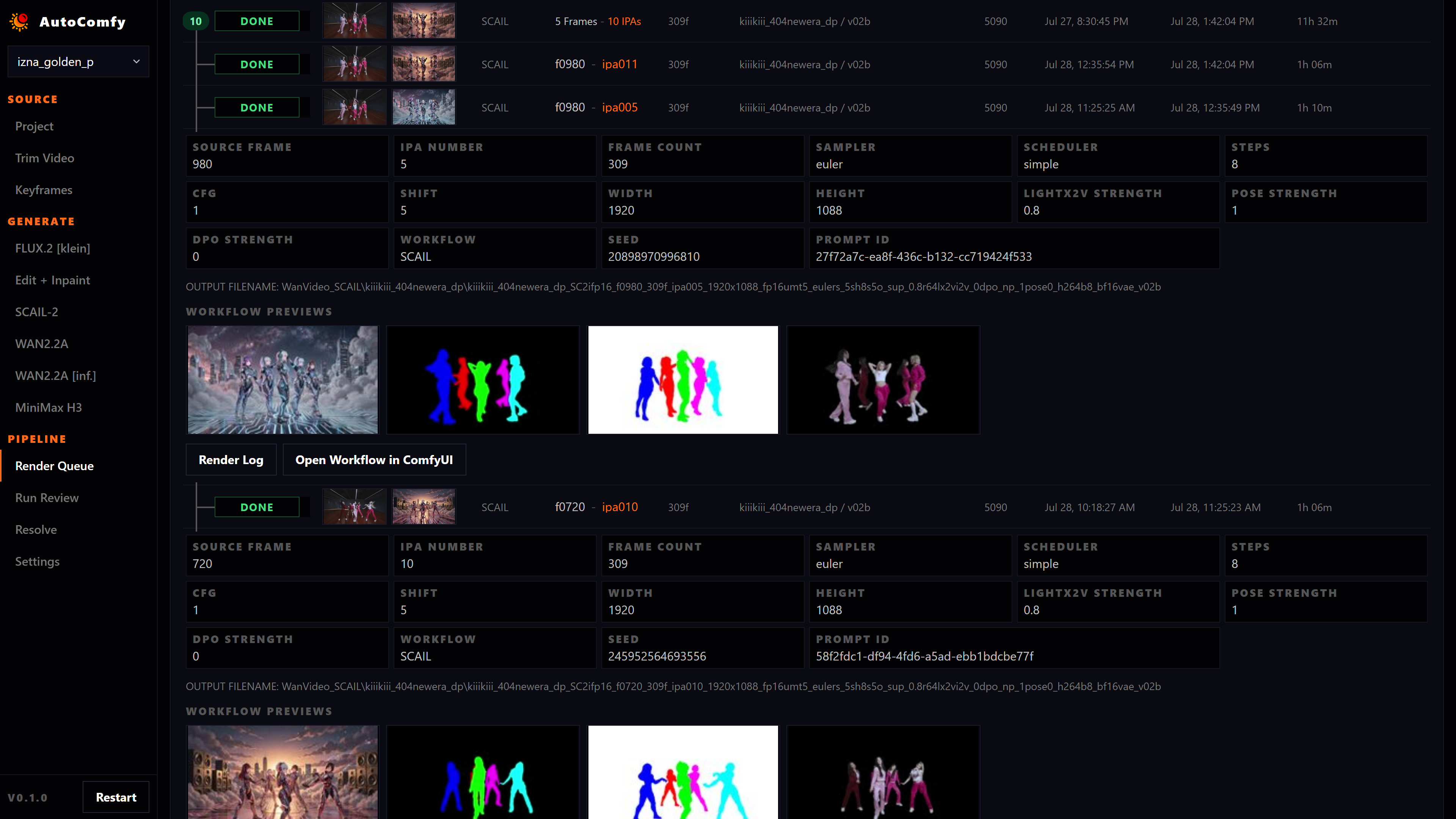
Multi-Model Production Swarm - Run specialized FLUX.2, Qwen Edit, SCAIL-2, WAN2.2, MiniMax H3, and other workflows across multiple ComfyUI render nodes, compare the strongest results, and carry selected shots directly into DaVinci Resolve.


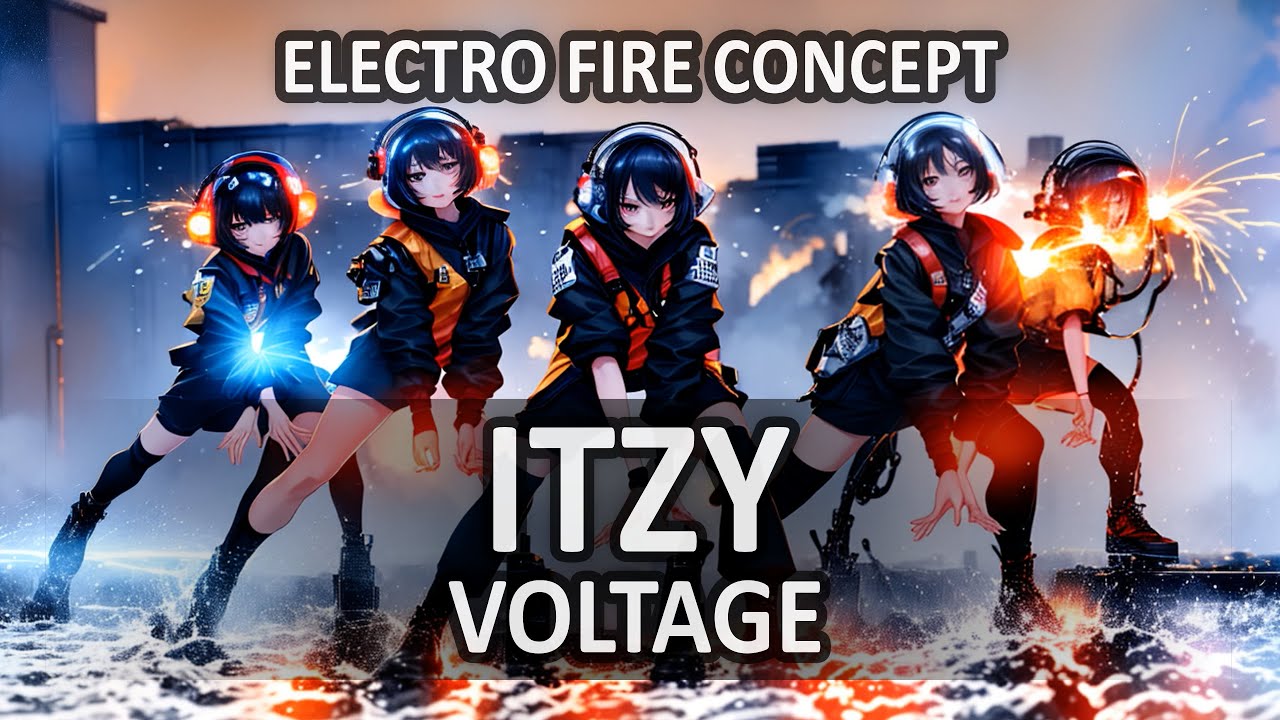

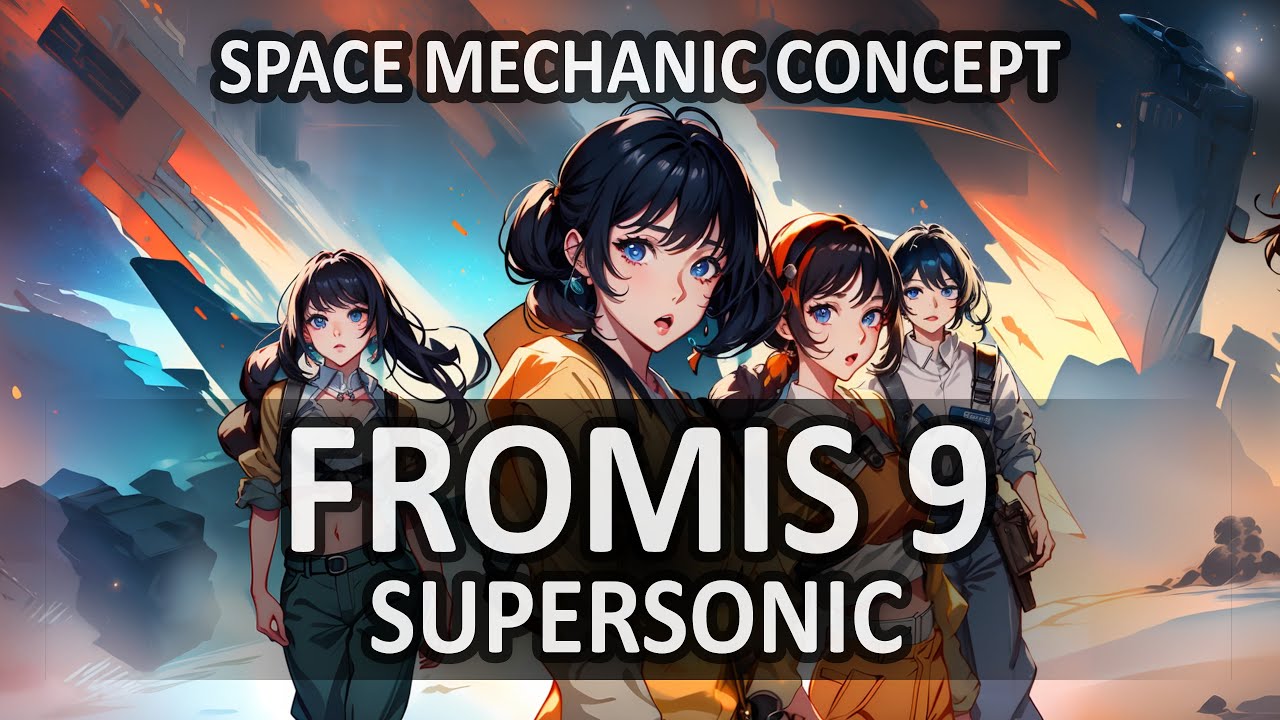

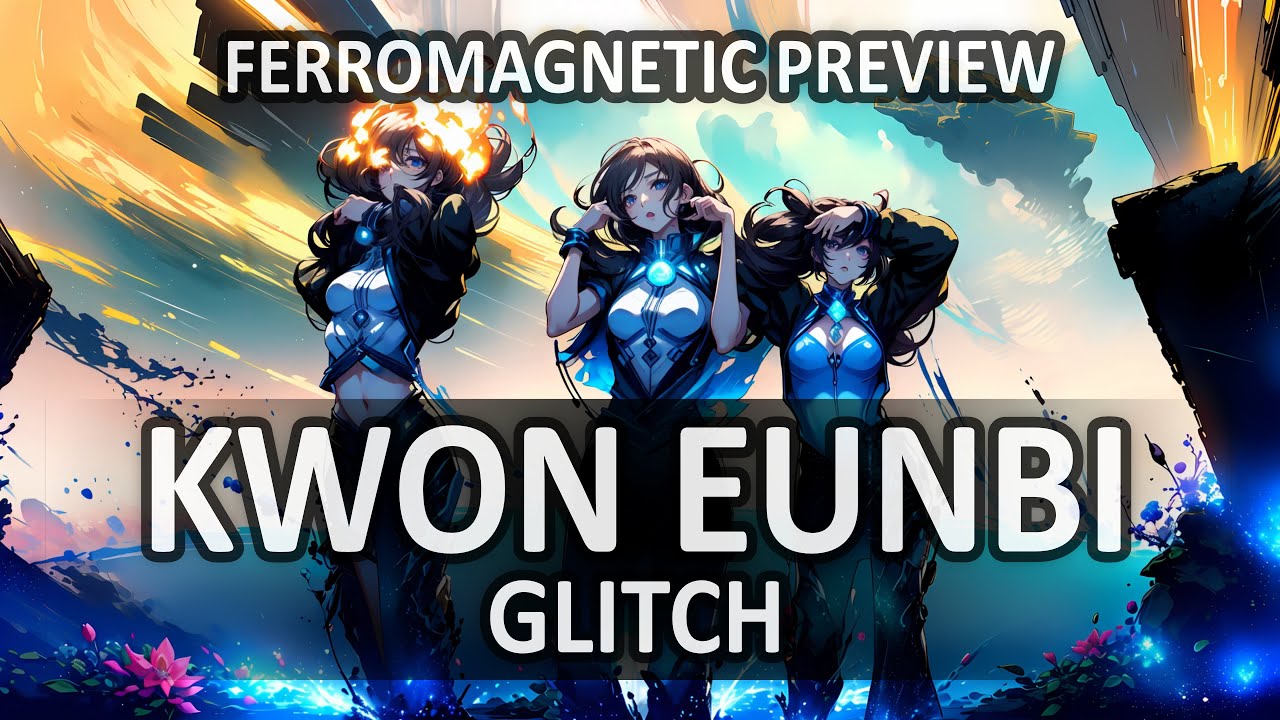






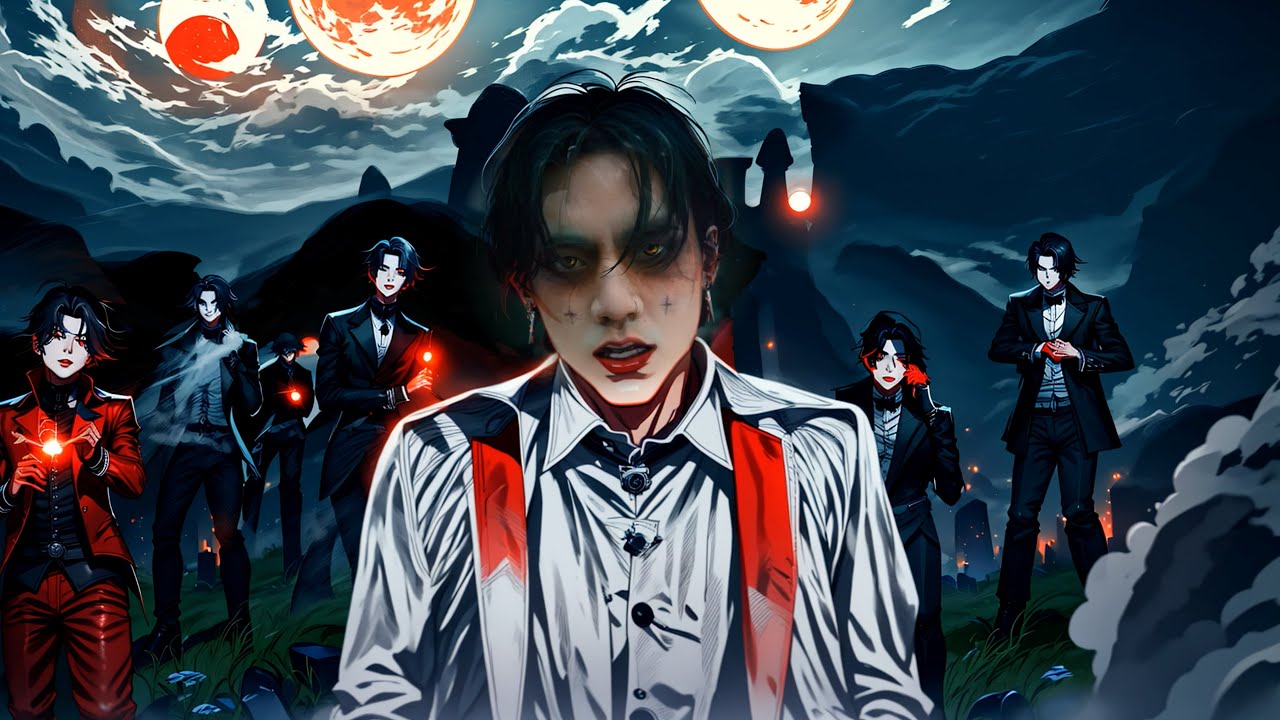


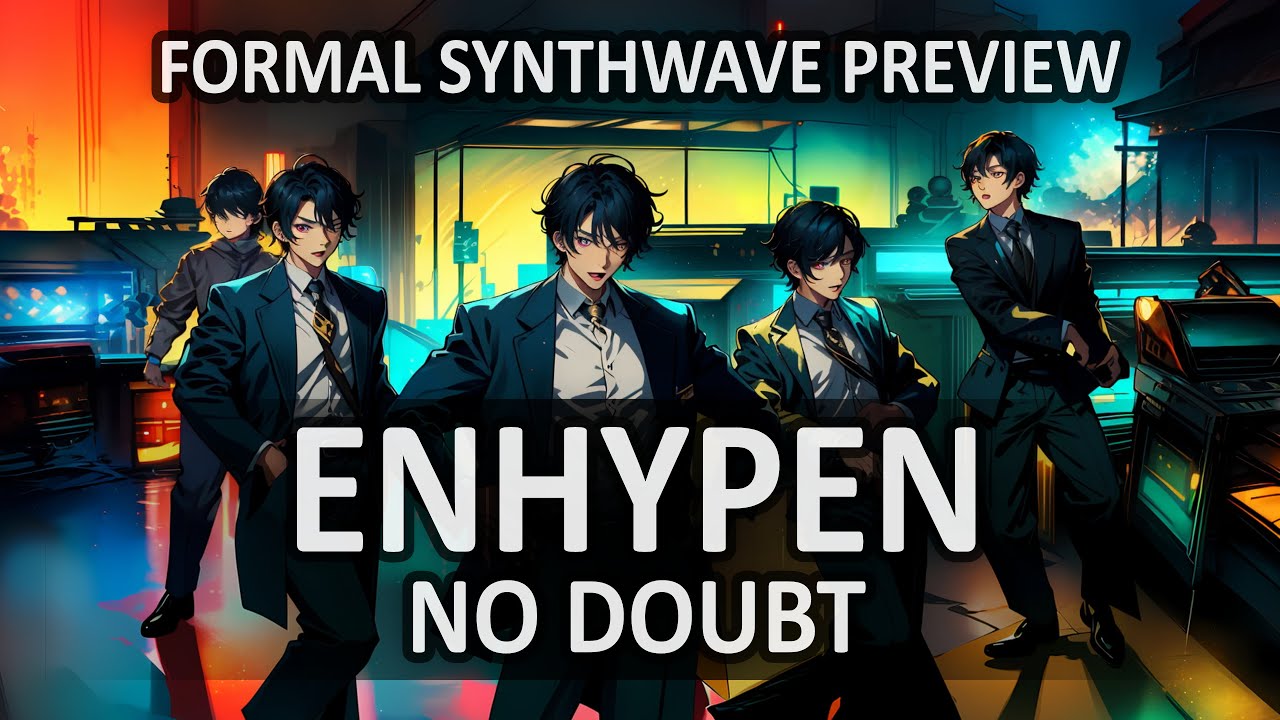




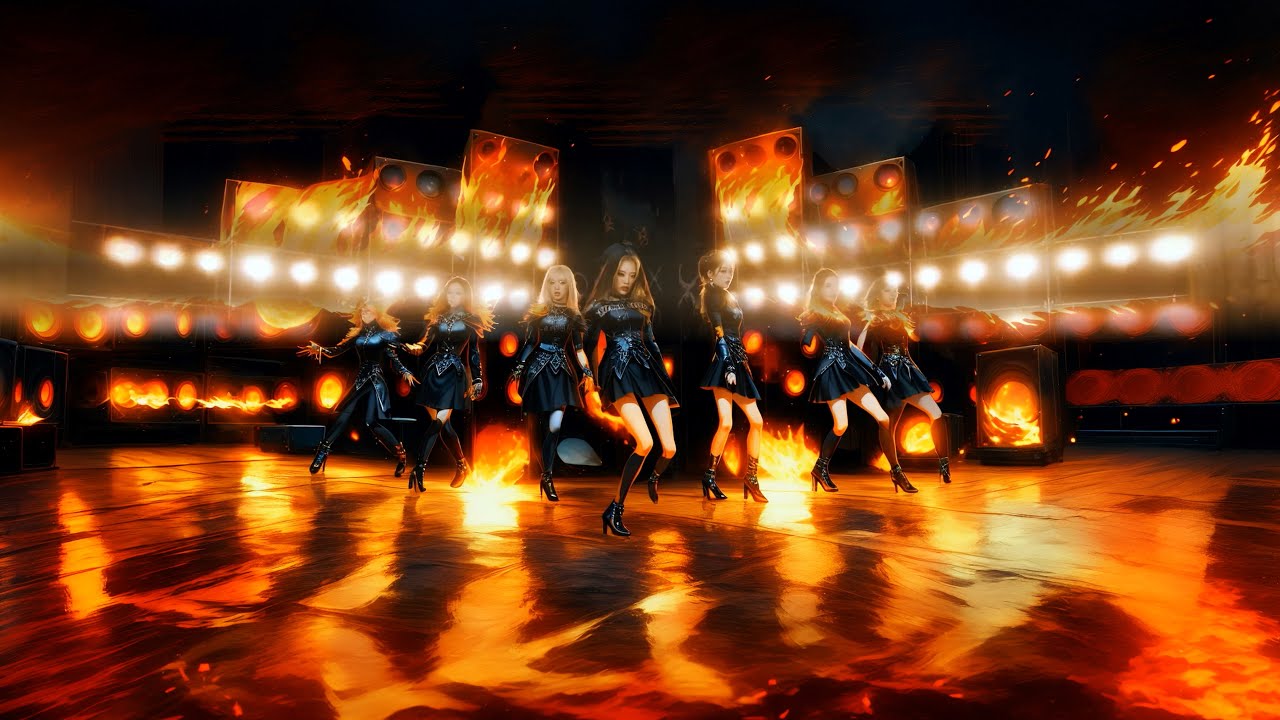





![YUQI [우기] - 'FREAK'](https://i.ytimg.com/vi/irEDPW4fM2U/maxresdefault.jpg)

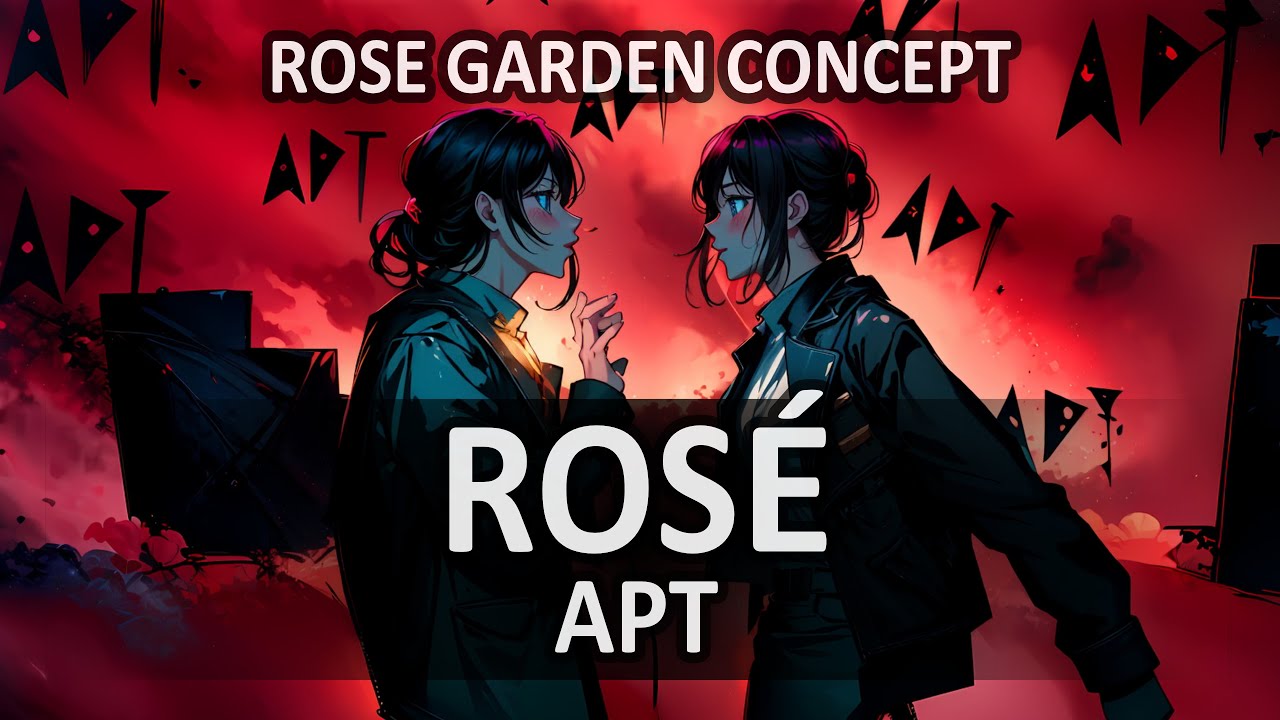






![ATEEZ [에이티즈] - ‘HALAZIA’](https://i.ytimg.com/vi/X8XmgX79J04/maxresdefault.jpg)








![GOT7 [갓세븐] - 'NANANA'](https://i.ytimg.com/vi/Zqcq8XgKB30/maxresdefault.jpg)





























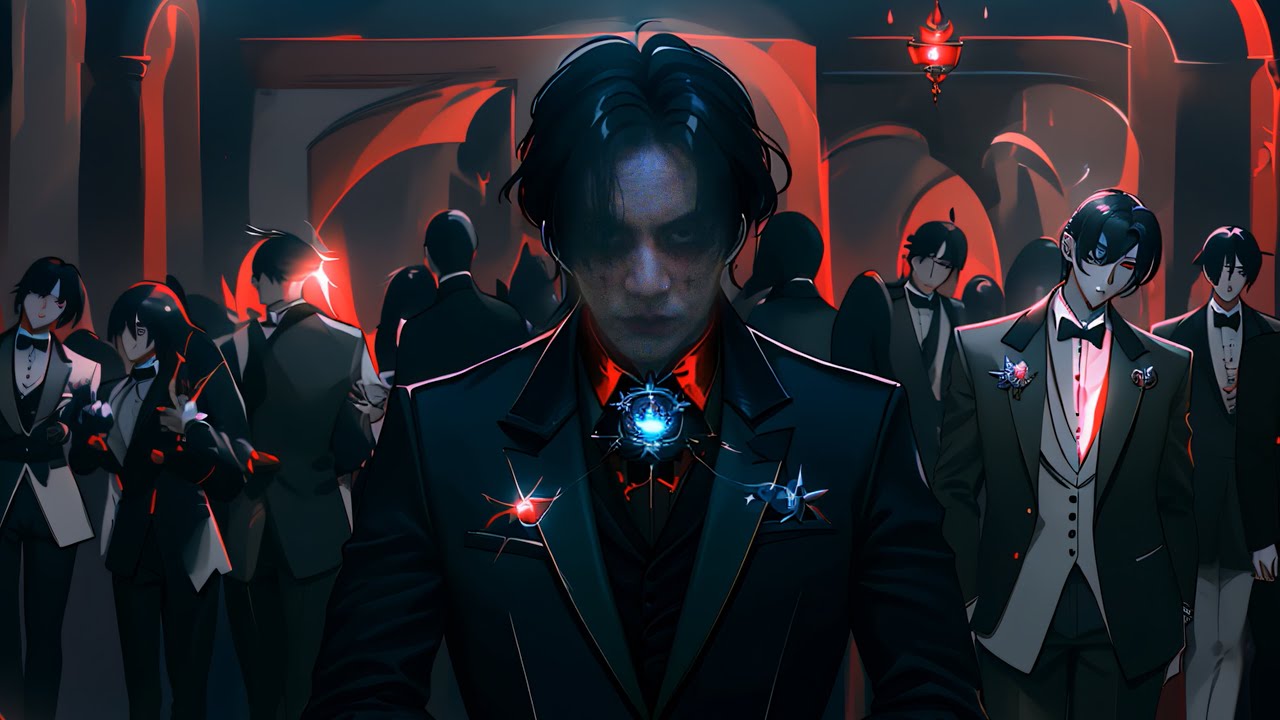

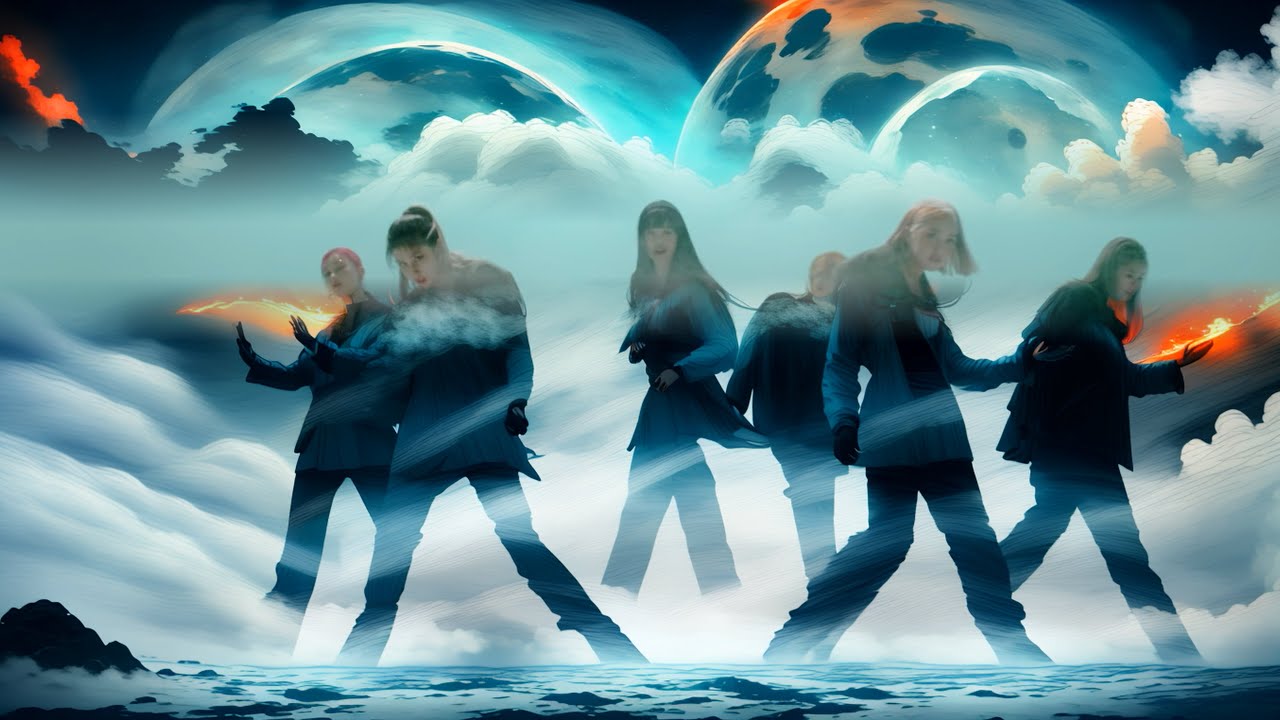


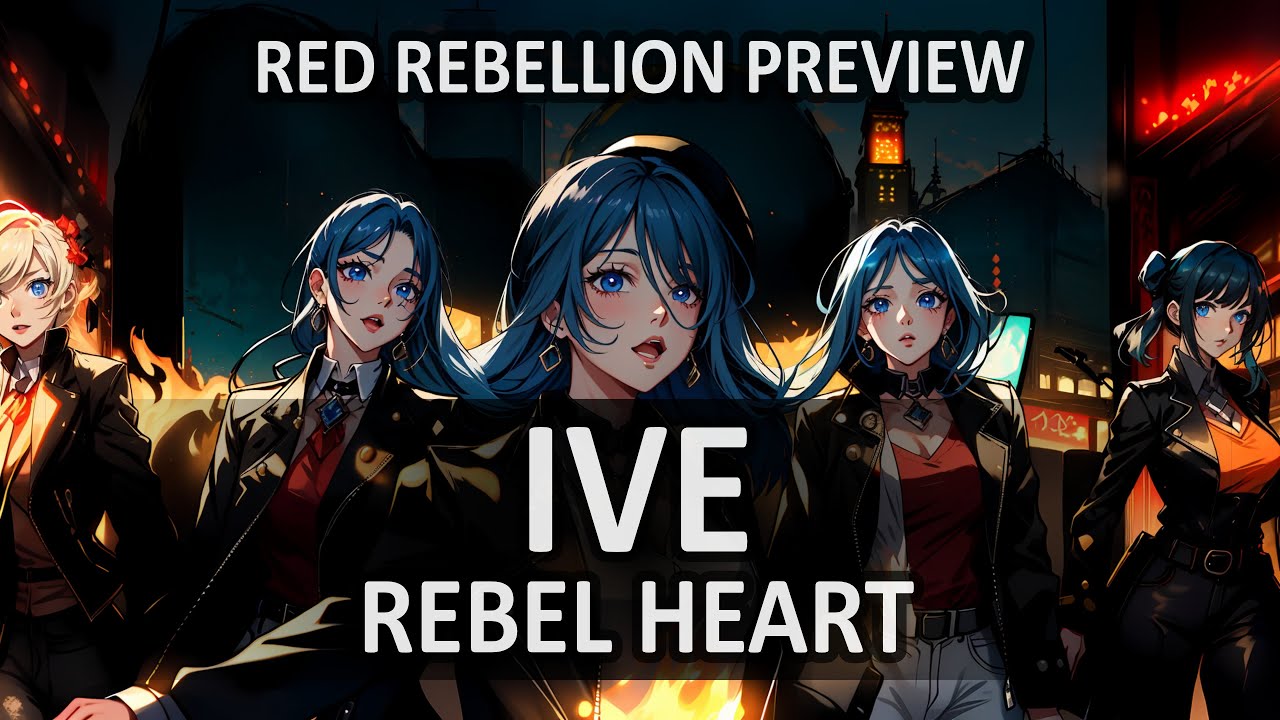


![Jimin [지민] - 'Who'](https://i.ytimg.com/vi/Zwjq1xkhDyY/maxresdefault.jpg)
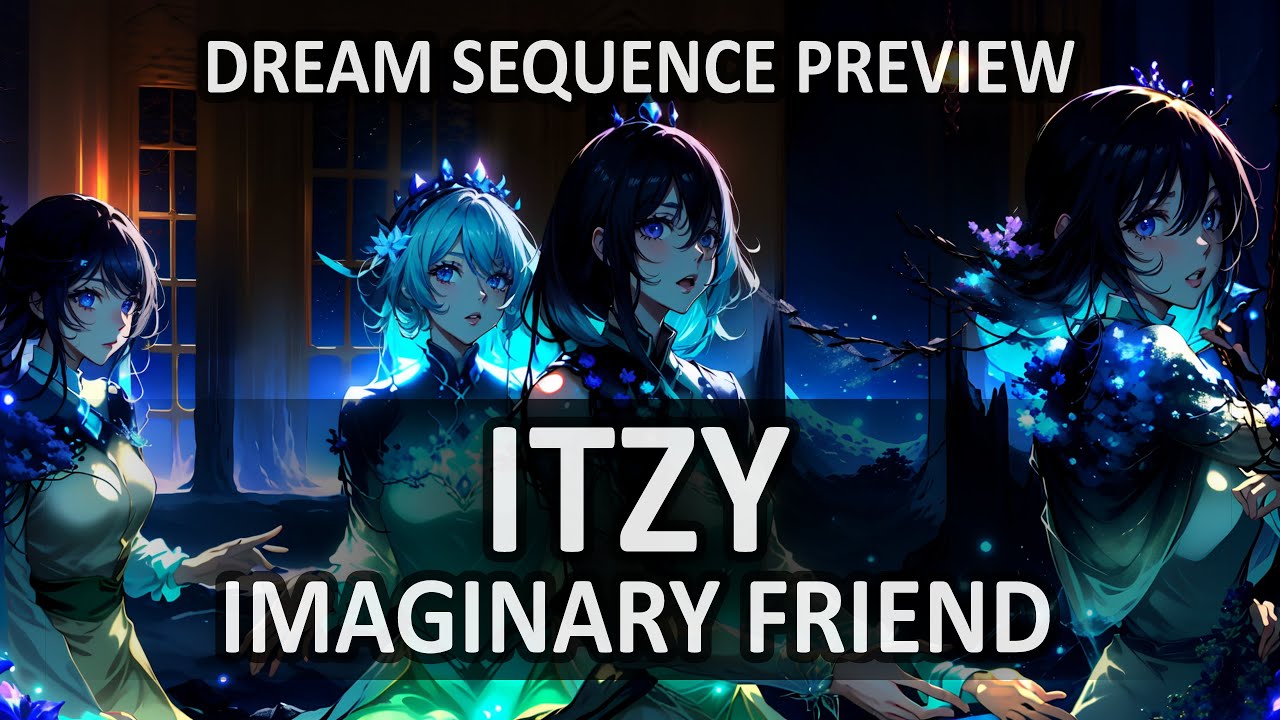


![ITZY [있지] - 'SWIPE'](https://i.ytimg.com/vi/It05Gehod9Y/maxresdefault.jpg)